

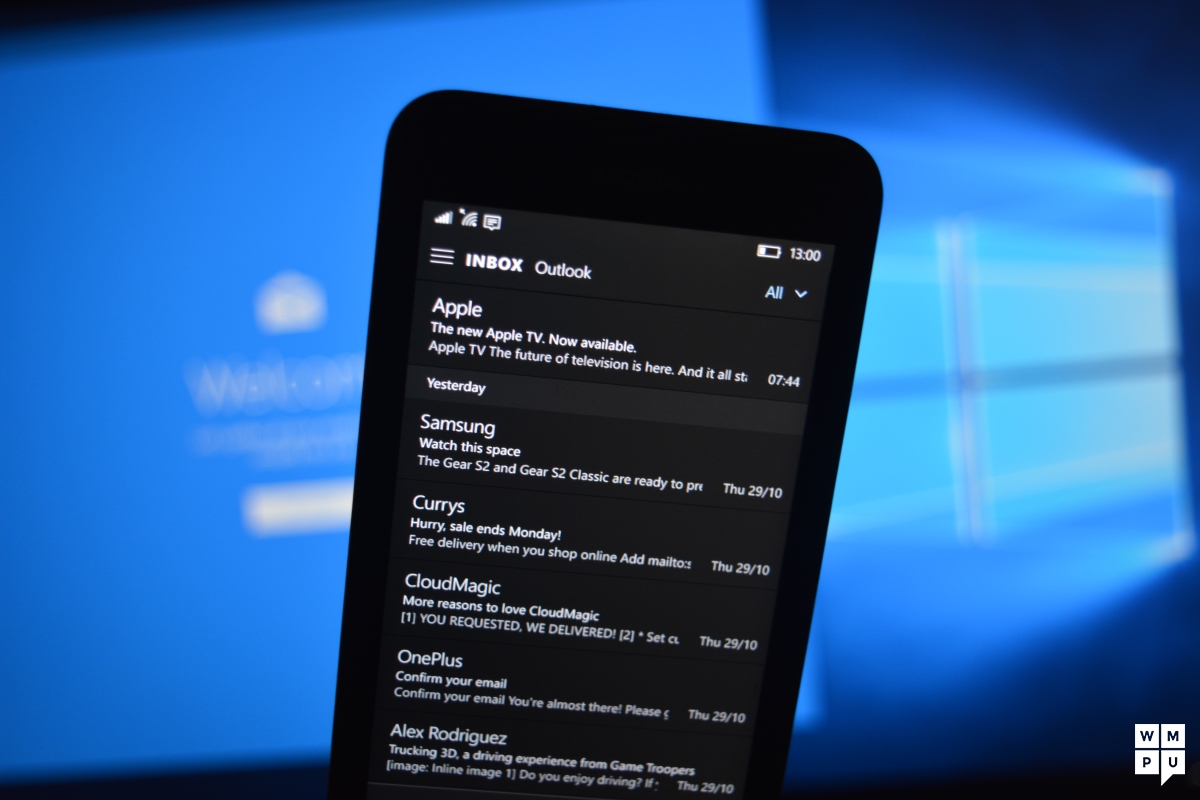
Windows Insiders with Microsoft's Mail and Calendar app installed on their Windows 10 Mobile powered handset will find the utility app receiving an update today to v11605.10228.20091.0. With the update, users can now write emails using their fingers, or even the Surface Pen. Unless you plan on including a homemade illustration with an email being sent, you probably are better off sticking to the virtual QWERTY keyboard to convey your message.
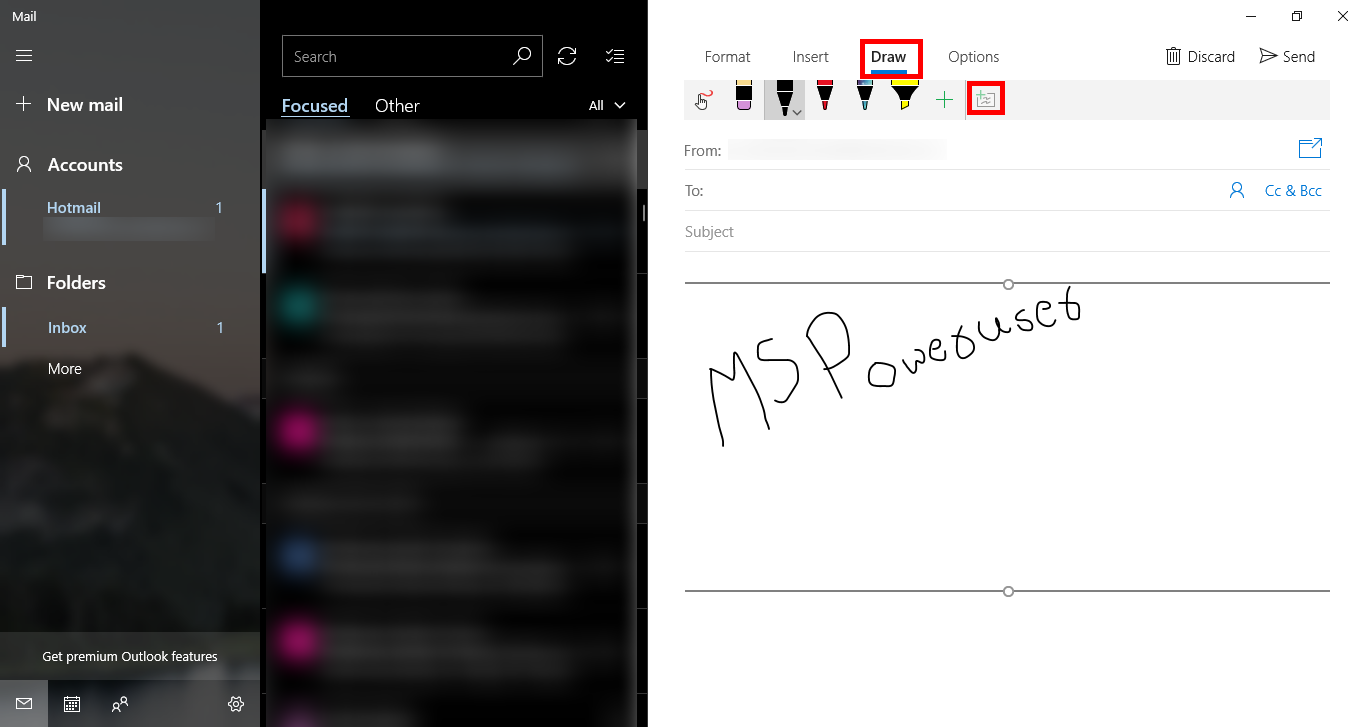
Nonetheless, to use the new feature, follow these directions. When you click on "New Mail" to start writing an email, the top of the screen will have a heading marked "Draw." Click on it and you will see various options including color, pen type (including a highlighter), and an eraser for those rare mistakes. Tap the "+" sign on the right side of the screen, which will produce the field that you will be marking up with your finger, select the pen you want your finger to be, and start writing.
This is similar to LG's QuickMemo+, which is a separate app that allows your finger to be used as a virtual pen to create memos and illustrations. These masterpieces can be shared via email, or posted on social media.
While only available to Windows Insiders now, as we already pointed out, Microsoft says that the new feature for Mail and Calendar will soon be available to all Windows 10 Mobile users.
source: MSPoweruser
